
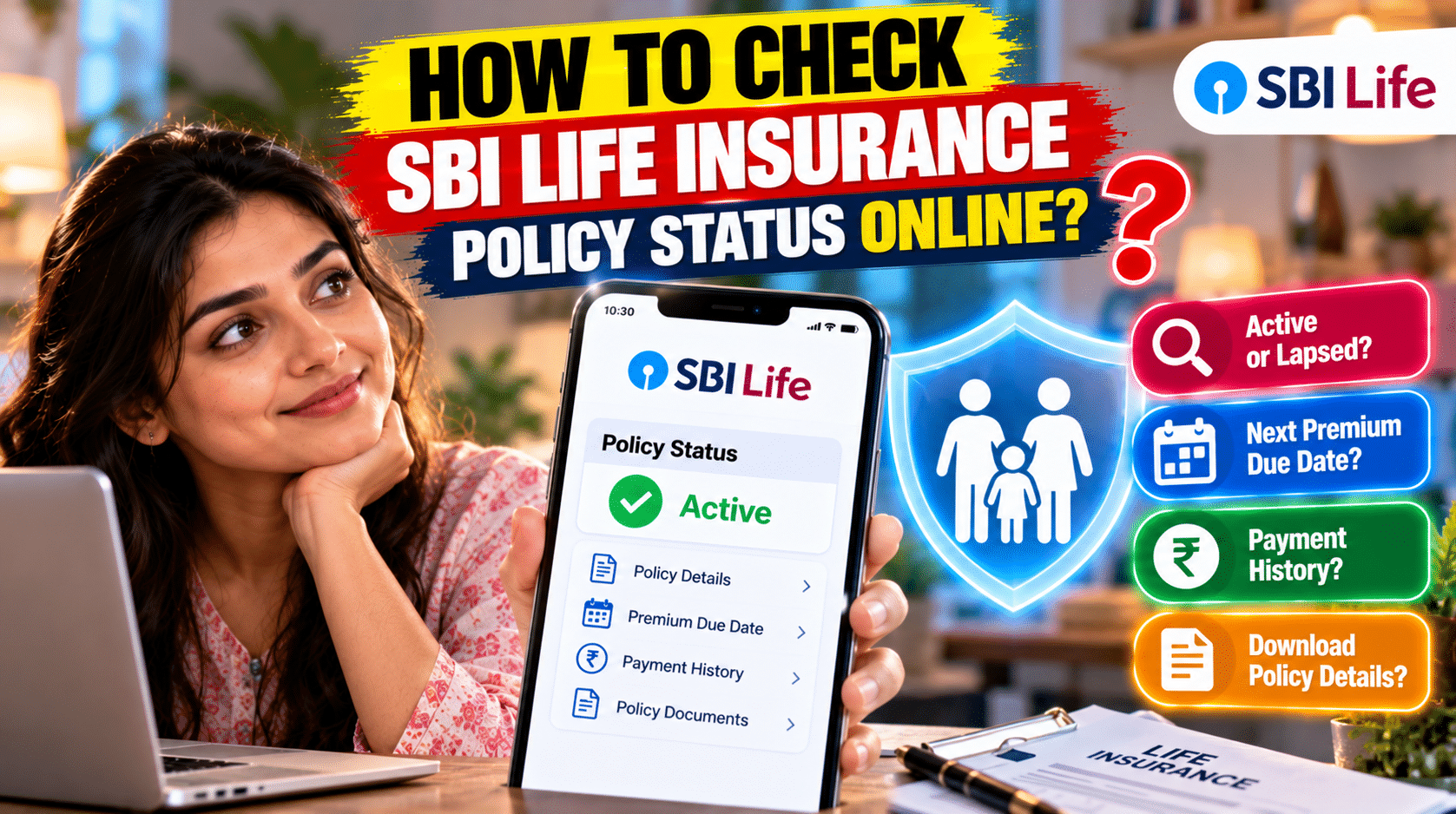
How to Check SBI Life Insurance Policy Status Online: Have you ever wondered whether your life insurance policy is still active, when your next premium is due, or whether your latest payment has been recorded? These details may seem routine, but overlooking them can create unnecessary problems when your family needs financial protection.
If you have an SBI Life Insurance policy, you do not necessarily need to visit a branch to find these answers. The insurer provides digital services that can help policyholders review policy information, check premium payments, and access important documents.
The process is relatively simple, but knowing where to look can save time and help you avoid confusion. You should also understand what to do if you forget your login details, cannot find your policy number, or discover that a premium payment has not been updated.
In this guide, we explain how to check SBI Life Insurance policy status online, explore other available ways to obtain policy information, and share practical tips for keeping your coverage details organised.
What Is SBI Life Insurance Policy Status?
Your SBI Life Insurance policy status indicates the current state of your insurance contract. It helps you understand whether the policy is active, whether a premium payment is due, and whether any action may be required from your side.
The exact information available depends on the type of policy and the services enabled for your account.
When you access your policy details, you may be able to review:
- Current policy status and basic policy information.
- Premium payment history and upcoming due dates.
- Policy term and relevant benefit details.
- Available policy documents and payment certificates.
- Fund value information for eligible unit-linked insurance plans (ULIPs).
- Claim-related information, where the relevant service is available.
Checking your policy status periodically can help you identify missed payments, verify recent transactions, and keep important records accessible.
Important: A payment receipt alone may not confirm every aspect of your policy’s current status. If you have missed a premium or received an unexpected status message, confirm the position directly with SBI Life.
How to Check SBI Life Insurance Policy Status Online?
The most convenient starting point is SBI Life’s official website and customer portal, commonly referred to as SmartCare.
Follow these steps to access your policy information.
Step 1: Visit the Official SBI Life Website
Open the official SBI Life Insurance website:
Use the website’s customer login or customer-service section to access the available policy-management services. Make sure the website address is correct before entering personal information.
Step 2: Open the Customer Portal
Select the customer login option and follow the instructions to access the official portal.
Depending on the current login interface, you may be offered different ways to identify your account, such as a registered mobile number, email address or policy-related details.
Step 3: Enter the Required Information
Provide the details requested on the login page. These may include your registered contact information, policy number, date of birth or other verification details.
Enter the information carefully. If your contact details have changed, you may need to update them through the insurer’s approved process before you can complete verification.
Step 4: Complete Identity Verification
The portal may ask you to verify your identity using an OTP or another supported authentication method.
Use only the official login page and never share an OTP, password or MPIN with another person claiming to help you access your account.
Step 5: Open Your Policy Details
After signing in, look for the section containing your policies or policy details.
Select the policy you want to review. Depending on the plan and available services, you may be able to check its status, premium information, policy documents and other relevant details.
Step 6: Review the Information Carefully
Check the current status, next premium due date and recent payment history. If you have a ULIP, look for the relevant fund information if the service is available for your plan.
If anything appears incorrect or unclear, contact SBI Life through its verified customer-service channels.
Step 7: Save Important Records
Download or save available policy documents, premium receipts and other useful records. Keep them in a secure location so you can access them when needed.
For official instructions and available customer services, visit SBI Life’s website and FAQ section.
How to Check SBI Life Policy Status Without Logging In?
If you cannot access the customer portal, you may still be able to obtain certain policy updates through other channels.
The available services and the information they provide can vary. Use only the contact details and instructions currently published by SBI Life.
1. Check Through SMS
SBI Life policy-status guides have listed an SMS service using the format below:
POLSTATUS [Policy Number]
Some published guides identify 56161 and 9250001848 as destination numbers for this service. However, SMS service availability and destination numbers may change, so verify the current instructions through SBI Life before sending your policy details.
If the service is available for your policy, use the mobile number registered with the insurer and follow the specified format exactly.
Do not send sensitive personal information to an unverified number.
2. Contact SBI Life Customer Care
You can contact the insurer’s customer-service team if you need help checking your policy status, retrieving account access or understanding a premium-related issue.
Use the current contact details published on the official SBI Life website. Keep your policy number and relevant transaction information available, but disclose personal information only through verified channels.
Customer support may explain which details can be provided over the phone and whether additional identity verification is necessary.
3. Visit an SBI Life Branch
If digital access is unavailable or you need help with a more complicated policy issue, you can visit an SBI Life branch.
Carry the policy documents you have, a valid identity document and any relevant premium-payment receipts. The branch team can explain the procedure for verifying policy information and correcting account details.
This option may be particularly useful if your registered mobile number has changed or you cannot complete the online verification process.
How to Check SBI Life Premium Payment Status?
Checking the policy status is only one part of managing your insurance. You should also confirm whether recent premium payments have been credited correctly.
Follow these steps:
- Log in to the official SBI Life customer portal.
- Open the relevant policy details.
- Locate the premium payment or transaction history section.
- Review the latest payment entry, date and amount.
- Compare the entry with your bank statement or payment receipt.
- Contact SBI Life if the payment is missing or the information does not match.
If your bank account has been debited but the insurer’s portal has not updated, avoid making another payment immediately. Check the transaction status first and retain the payment reference number.
A delayed update does not necessarily mean the payment has failed. The insurer or payment provider can help establish whether the transaction was successful.
How to Check SBI Life Policy Maturity Details?
If your policy is approaching maturity, it is sensible to review the applicable maturity terms in advance.
For eligible policies, the customer portal or policy documents may provide information about the maturity date, benefit structure and other relevant details.
To review your maturity information:
- Sign in to the official customer portal.
- Select the relevant policy.
- Review the benefit summary and maturity-related information available.
- Check your policy document for the conditions governing maturity benefits.
- Contact SBI Life if the amount, date or payment process is unclear.
The amount payable at maturity depends on the specific policy. It may include a guaranteed benefit, bonuses or other benefits where applicable. Investment-linked plans have different benefit structures, and their values may depend on market performance.
Do not assume that every life insurance policy pays a maturity benefit. For example, a pure term insurance policy generally focuses on life cover and may not provide a maturity payout unless it specifically includes such a feature.
How to Find Your SBI Life Insurance Policy Number
Your policy number is an important reference when checking policy details, making payments or contacting customer support.
If you cannot find it, try the following options.
Check Your Policy Documents
Look at the policy bond, policy schedule or other documents provided when you purchased the policy. The policy number is generally printed in the relevant identification section.
Search Your Email
Search your registered email inbox for messages from SBI Life. Policy-related correspondence, premium receipts and service notifications may contain the policy number.
Review Previous Premium Receipts
If you have paid premiums before, check your saved receipts or transaction acknowledgements. These may include the policy number or another reference that helps identify your account.
Contact Customer Support
If you still cannot locate the number, contact SBI Life through its official support channel. The insurer may ask you to verify your identity before assisting you.
You can also visit a branch with suitable identification if the issue cannot be resolved through digital services.
Avoid sharing your policy number and other personal details publicly on social media or with unverified callers.
How to Reset Your SBI Life Login Password or MPIN?
Forgetting your login credentials does not necessarily mean you have lost access to your policy information.
If the portal offers a password-reset or account-recovery option, use that official process.
- Open the official SBI Life customer login page.
- Select the relevant password-reset or account-recovery option.
- Enter the information requested by the portal.
- Complete the identity verification process.
- Follow the instructions to reset your password or create a new MPIN, where supported.
- Sign in again and confirm that you can access the correct policy.
The information required for recovery may vary depending on the login method and current portal design.
If you no longer have access to your registered mobile number or email address, contact SBI Life to learn how to update your details securely.
Never share your password, OTP or MPIN with another person, even if they claim to be an insurer representative.
What Should You Do If Your SBI Life Policy Shows as Lapsed?
A lapsed or inactive policy status should not be ignored. The consequences depend on the policy type, premium history, applicable grace period and the insurer’s terms.
If your policy appears lapsed, take the following steps.
- First, verify the status. Check the portal and review your payment history to confirm whether a premium was missed or a payment has not yet been recorded.
- Second, review your policy documents. Look for the applicable grace period, lapse provisions and revival conditions.
- Third, contact SBI Life. Ask whether the policy can be revived and what requirements apply.
- Fourth, check the amount payable. The insurer may require overdue premiums or other specified steps before the policy can be restored.
- Finally, obtain written confirmation. If the policy is revived, retain the confirmation and check the updated policy status.
Do not assume that coverage has resumed merely because you have paid an overdue amount. Confirm the effective status with the insurer before relying on the policy for financial protection.
Why Should You Check Your SBI Life Policy Regularly?
Reviewing your policy from time to time can help you manage important financial commitments more confidently.
Avoid Missing Premium Due Dates
A quick review of the next due date can help you arrange payment before the deadline.
Confirm Recent Transactions
Checking your payment history helps you identify whether a premium has been credited and whether you need to follow up on a pending transaction.
Keep Policy Documents Accessible
Having digital copies of policy documents and receipts can make it easier to manage service requests or support a claim.
Review Important Personal Details
Contact information and nominee details should remain accurate. If your circumstances change, check the insurer’s process for updating the information.
Understand Your Policy Benefits
Reviewing the policy helps you understand what it covers, what benefits may be payable and which conditions apply.
A few minutes of regular attention can help prevent avoidable confusion later.
Common Problems When Checking SBI Life Policy Status
Unable to Log In
Check that you are using the correct login method and entering the required information accurately. If necessary, use the official recovery process.
OTP Not Received
Confirm that your registered contact details are correct and that your phone or email can receive the verification message. If the problem continues, contact the insurer.
Policy Details Are Missing
Make sure you are signed in to the correct account. If the policy still does not appear, contact SBI Life to verify that the policy is linked to your customer profile.
Premium Payment Is Not Updated
Check the bank or payment-provider transaction status and save the reference number. Ask SBI Life to investigate if the payment remains uncredited.
Status Appears Incorrect
Do not rely on an unclear status message alone. Review the policy documents and request clarification from the insurer, especially if the issue could affect your coverage.
Final Verdict: Keep Your SBI Life Policy Details Up to Date
Checking SBI Life Insurance policy status online is a practical way to keep track of your coverage, premium payments and important policy records. The official customer portal is a useful starting point, while customer support and branch services can help when online access is unavailable.
The most important habit is to verify the details rather than assuming everything is in order. Check premium due dates, confirm recent payments, keep your contact information accurate and ask the insurer about any unexpected status.
If you have forgotten your policy number, lost access to your account or discovered that your policy may have lapsed, contact SBI Life through its official channels before taking further action.
Staying informed about your policy can help you manage your insurance more effectively and reduce the risk of avoidable administrative problems.
Frequently Asked Questions (FAQs)
1. How can I check SBI Life Insurance policy status online?
Visit the official SBI Life website, open the customer login or SmartCare service, complete the required verification and select your policy. You can then review the information available for your plan.
2. Can I check my SBI Life policy status without logging in?
Certain information may be available through approved SMS or customer-support services. The availability and details depend on the service currently offered by SBI Life. Verify the latest instructions on the official website.
3. How do I check my SBI Life premium payment status?
Log in to the customer portal, select the relevant policy and review the available premium transaction history. Compare it with your payment receipt and bank statement if necessary.
4. What is the SMS format for checking SBI Life policy status?
Published guides have listed the format as POLSTATUS [Policy Number]. Verify the current destination number and instructions through SBI Life’s official channels before sending the message.
5. How can I find my SBI Life policy number?
Check your policy bond, premium receipts and previous emails from SBI Life. If you cannot find the number, contact customer support and follow the insurer’s identity-verification process.
6. Can I check SBI Life policy details through a mobile app?
SBI Life provides digital customer services, including its SmartCare application. Check the official website for the currently supported application and use only a verified app from a trusted app store.
7. How can I check my SBI Life policy maturity amount?
Sign in to the official customer portal, if the relevant information is available, and review your policy benefit details. The maturity amount depends on the policy type and its terms. Contact SBI Life if you need a confirmed calculation.
8. What should I do if my SBI Life policy shows as lapsed?
Review your premium history and policy documents, then contact SBI Life to understand the revival conditions. Do not assume that coverage has resumed until the insurer confirms the policy status.
9. What if my premium is paid but the portal still shows it as pending?
Check the bank or payment-provider transaction status and retain the reference number. Contact SBI Life if the payment is not reflected after the relevant processing period. Avoid paying twice without verifying the original transaction.
10. How can I reset my SBI Life login password?
Use the official customer portal’s password-recovery option and follow the identity-verification steps. If you cannot access your registered contact details, contact SBI Life for assistance.
11. Can I update my nominee or contact details online?
SBI Life provides customer-service facilities for certain policy changes. The available changes and verification requirements depend on the policy and current service process. Confirm the instructions through the official portal.
12. Is it safe to check SBI Life policy status online?
It can be safe when you use the insurer’s verified website or official application. Protect your password, OTP and MPIN, and do not follow unverified payment or login links sent by unknown people.
Disclaimer: This article is for general informational purposes and is not a substitute for official insurer guidance. Portal features, SMS services, contact details and policy rules can change. Verify current instructions with SBI Life and refer to your policy documents for the terms that apply to your contract.